Don’t Retire It. Trade It In.
Old hardware. Higher risk. New value. Trade in eligible systems and save on your next upgrade.
O ut with Aging Workstations. In with Modern Clinical Mobility.
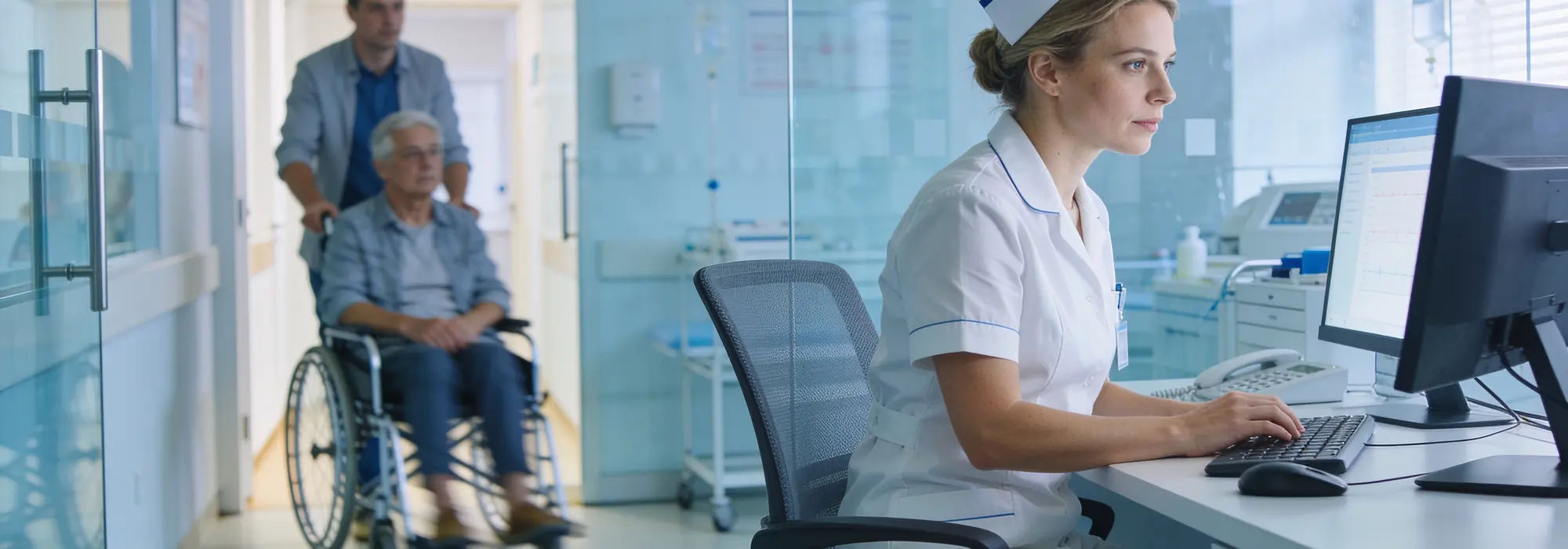
Managing a mixed fleet of aging medical computers can make system updates, maintenance, and clinical deployment increasingly complex.
HMS helps healthcare organizations evaluate existing equipment, identify systems approaching end of life, and plan a practical transition to modern medical-grade computers.
The result is a more consistent, secure, and manageable computing environment across clinical departments.
W hy Upgrade Now?

Older medical computers may create growing operational challenges, including:
-
Windows Compatibility
Legacy hardware may no longer support current or future Windows updates and clinical software requirements.
-
Cybersecurity Exposure
Unsupported systems may increase potential security risks and make hospital IT environments more difficult to manage.
-
Higher Maintenance Costs
Aging devices often require more technical support, repairs, and replacement parts.
-
Inconsistent Clinical Performance
Mixed hardware configurations can make deployment, maintenance, and software standardization more complex.
Z ero Cart Downtime. 100% Focus on Care.
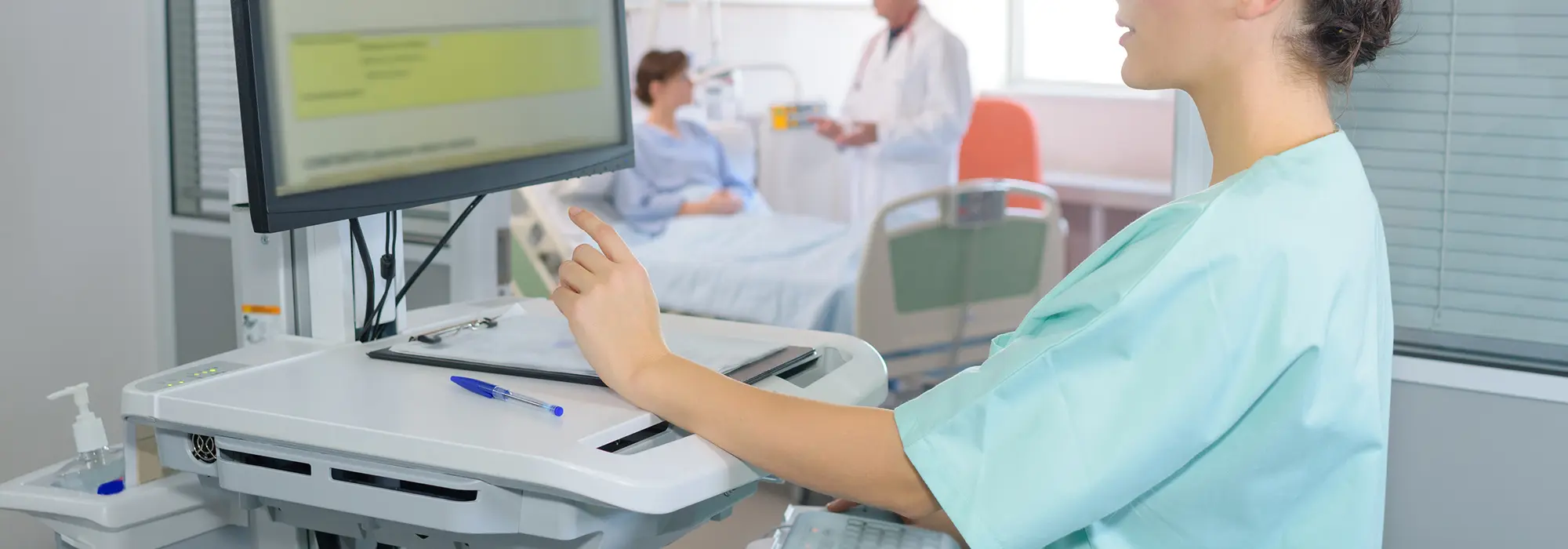
Medical computer upgrades should not interrupt patient care.
HMS supports phased replacement planning to help hospitals modernize medical cart computers, clinical workstations, and point-of-care systems with minimal disruption to daily operations.
Our team helps coordinate hardware evaluation, replacement recommendations, configuration planning, and deployment based on your clinical workflow and schedule.
H ow the Buy Back Program Works

-
Submit Your Equipment Information
Provide the brand, model, quantity, operating system, deployment year, and current clinical application of your existing equipment.
-
Receive a Fleet Assessment
HMS reviews hardware age, Windows compatibility, device condition, application requirements, and preliminary Buy Back eligibility.
-
Get an Upgrade Recommendation
We recommend suitable medical-grade replacement systems based on clinical workflows, software requirements, deployment environments, and budget.
-
Trade In and Upgrade
Eligible aging workstations may receive assessed credit toward selected replacement solutions.
T urn Aging Workstations into Immediate Upgrade Credit

Retired equipment may still have value.
Through the HMS Buy Back Program, eligible medical computers can be evaluated for trade-in credit and applied toward modern medical-grade systems.
This helps hospitals reduce the cost of equipment replacement while improving system consistency, security, and long-term manageability.
S ecure Data Handling
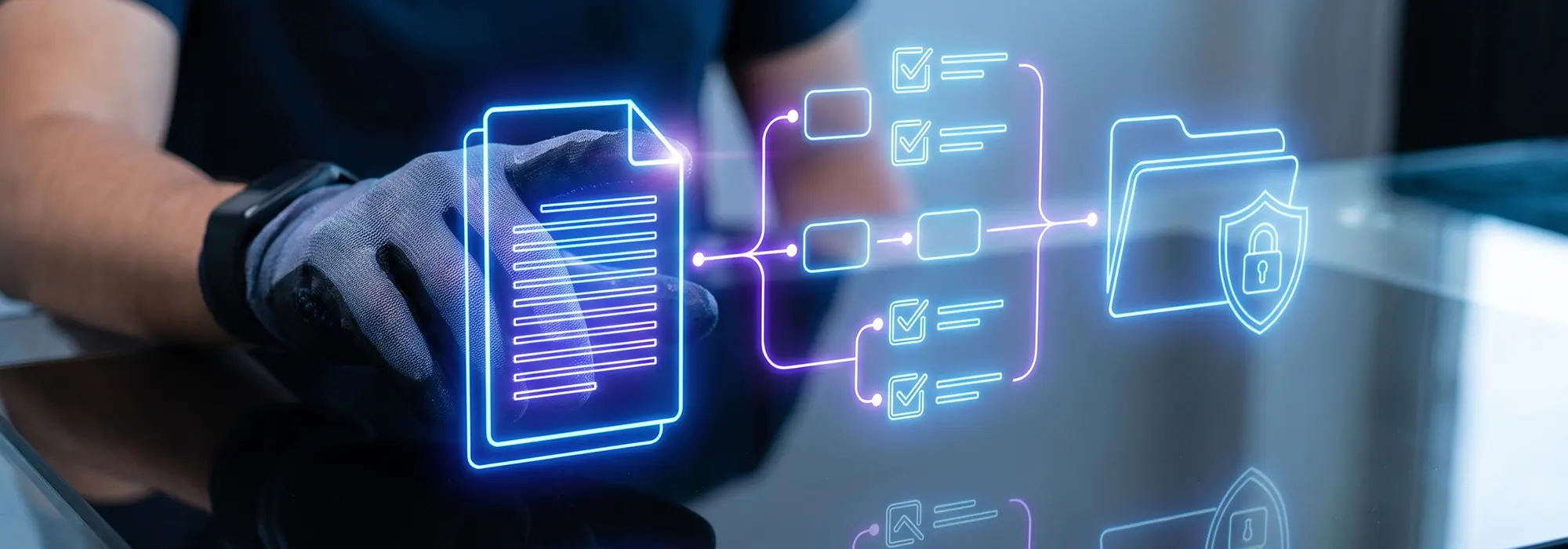
Protecting hospital and patient information remains essential throughout the equipment replacement process.
Data wiping and device-handling requirements can be reviewed based on hospital policies, project scope, equipment condition, and available service options.
Where applicable, secure data-removal documentation may be provided through approved service partners.
F requently Asked Questions

-
What equipment is eligible for the Buy Back Program?
Eligibility is evaluated based on equipment type, age, condition, quantity, location, logistics requirements, and the selected replacement plan.
-
Do all devices need to be replaced at the same time?
No. HMS can help hospitals develop a phased upgrade plan based on clinical priority, hardware lifecycle, budget, and deployment schedule.
-
Can equipment from different manufacturers be included?
Selected medical computing equipment from different manufacturers may be considered, subject to program review.
-
How is the trade-in credit determined?
Credit is based on device condition, age, quantity, configuration, location, logistics requirements, and selected replacement products.
-
Does the program include data wiping?
Data-wiping requirements and available services are reviewed separately based on hospital policies, equipment type, location, and project scope.
-
Can HMS support multiple hospital locations?
Yes. Multi-site assessments and phased replacement planning may be available for hospital groups and healthcare systems.
S tart Your Medical Computer Fleet Assessment
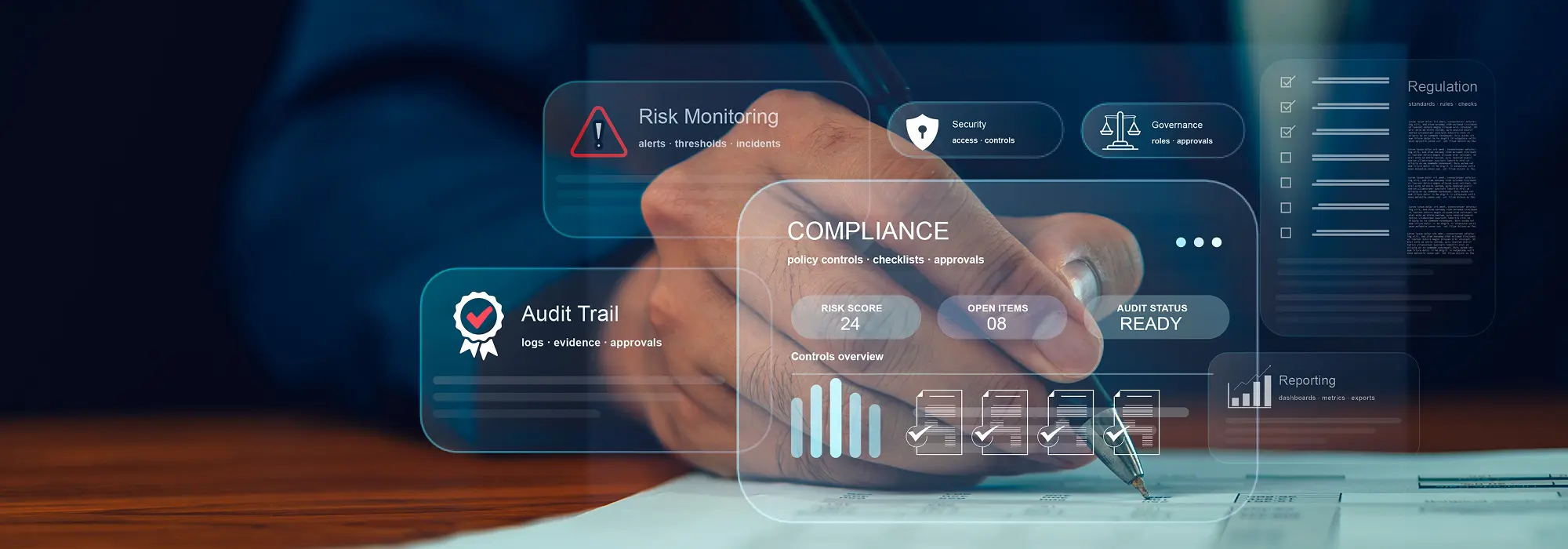
Replace aging workstations before they become a growing compatibility, security, or maintenance concern.
Submit your equipment information and let HMS help you evaluate Buy Back eligibility, replacement options, and a practical upgrade plan.
Request a Fleet Assessment
Program eligibility, equipment credit, data-wiping services, transportation, recycling, and disposal options are subject to equipment review, location, quantity, condition, replacement product selection, and final program terms.


